Thumbnail X vs Zazzle - Thumbnail Maker Comparison
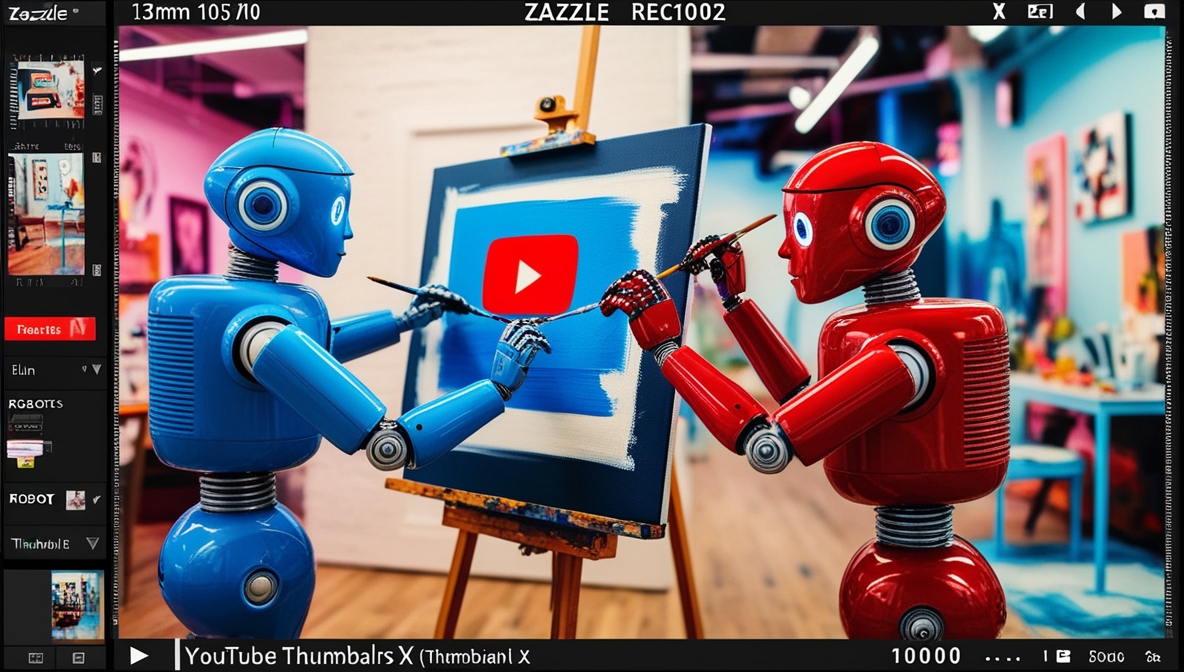
Image was generated via Thumbnail X
In the bustling world of YouTube content creation, an engaging thumbnail can be the difference between a video that gets clicked and one that gets passed by. Two popular tools for creating eye-catching thumbnails are Thumbnail X and Zazzle. Both platforms offer unique features, catering to different user needs. In this comparison, we'll break down the features, pricing, ease of use, target audience, and pros and cons of each platform to help you choose your ideal thumbnail creation tool.
Feature Comparison
When it comes to features, Thumbnail X and Zazzle both have their strengths, designed to make your YouTube videos pop.
- Thumbnail X: This tool leverages AI-powered thumbnail generation to create stunning visuals in under 10 seconds. It eliminates the hassle of dealing with complex settings like aspect ratio, size, and style, offering a simple prompt-based interface. With each prompt, users receive four different thumbnail options, enhancing creativity and choice.
- Zazzle: Known for its vast library of free templates, Zazzle allows for deep customization with personal imagery. It integrates seamlessly with a wide range of Zazzle's custom products, emphasizing personalization and creativity. This platform is perfect for users who enjoy tailoring their visuals to specific themes and styles.
Pricing Comparison
Pricing is a crucial factor for many creators, especially those just starting out. Here's how the two platforms stack up:
- Thumbnail X: Offers very affordable pricing, making it a great option for budget-conscious creators. This cost-effective solution doesn't compromise on quality, ensuring you get value for money.
- Zazzle: The platform is free to use, with optional paid elements for those looking to expand their design capabilities. This model allows users to start at no cost and invest in additional features as needed.
Ease of Use
In terms of user-friendliness, both tools shine, each in their unique way.
- Thumbnail X: Designed for simplicity, it features a one-click Google authentication, allowing users to skip surveys and complex signups. Its prompt-based interface ensures that even novices can create professional thumbnails with minimal effort.
- Zazzle: With its user-friendly design interface, Zazzle is intuitive and straightforward, though it may require a bit more time to explore its extensive customization options and templates.
Target Audience
Understanding who each platform is best suited for can guide your decision.
- Thumbnail X: Ideal for creators who prioritize speed and simplicity without sacrificing quality. It's perfect for those who want quick, effective results without the need for extensive customization.
- Zazzle: Targets YouTube content creators looking for customizable thumbnails. If you enjoy getting creative and personalizing every aspect of your design, Zazzle is the way to go.
Pros and Cons
Let's weigh the advantages and disadvantages of each platform:
- Thumbnail X Pros: Fast AI-powered generation, simple interface, affordable pricing, no complex signups.
- Thumbnail X Cons: Limited to four generated options per prompt, less customization than Zazzle.
- Zazzle Pros: Extensive customization options, large template selection, free to start.
- Zazzle Cons: May require more time to create thumbnails, optional paid elements can add up.
Conclusion
Both Thumbnail X and Zazzle offer robust solutions for creating striking YouTube thumbnails, each with its unique set of features. If you're looking for a fast, affordable, and straightforward AI thumbnail generator, Thumbnail X might just be your go-to choice. Its ease of use and rapid generation capabilities make it especially appealing for creators who want to focus more on content and less on design intricacies.
On the other hand, if you revel in the creative process and want to explore endless customization possibilities, Zazzle could be the perfect fit. Ultimately, the choice between these two fantastic tools boils down to your personal preferences and specific needs as a creator. 🚀 So, go ahead and make your videos shine with the perfect thumbnail!
See more at Zazzle
See more at Thumbnail X
Post was partially created by AI. While we try our best to authenticate the information before publishing, we may make mistakes. Please check the facts and verify the information.