Thumbnail X vs Pikera - Thumbnail Maker Comparison
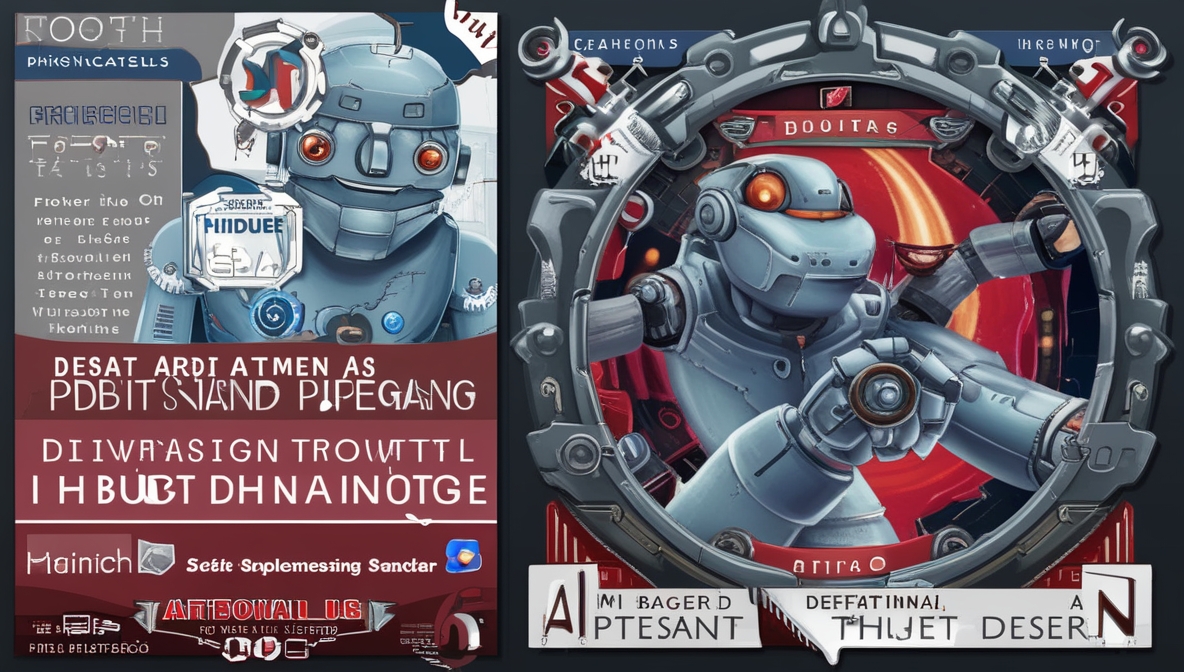
Image was generated via Thumbnail X
In the bustling world of content creation, the importance of a captivating thumbnail cannot be overstated. Whether you're a seasoned creator or just starting your journey, having a reliable AI thumbnail generator can be the key to attracting more viewers. Today, we delve into a comparison between two major players in this arena: Thumbnail X and Pikera. Both claim the throne, but which one truly reigns supreme?
Feature Comparison
When it comes to features, both Thumbnail X and Pikera boast impressive capabilities, but they cater slightly differently to their users.
- Thumbnail X: Harnesses the power of AI to generate thumbnails in under 10 seconds. Its interface is delightfully simple—no need to fiddle with aspect ratios, sizes, or styles. Just type in a prompt and voilà, you're presented with four unique thumbnail options, ready for your selection.
- Pikera: Also leverages AI for quick, professional, and high-quality thumbnail creation. While specifics on its process aren’t as detailed, it focuses heavily on YouTube thumbnails, suggesting a more specialized approach.
Fun fact: If Thumbnail X were a chef, it would serve you a gourmet dish in record time, while Pikera would ensure it’s seasoned just right for YouTube connoisseurs. 🍽️
Pricing Comparison
Pricing is often the make-or-break factor for many users, and here, Thumbnail X takes the spotlight.
- Thumbnail X: Not only is it very affordable, but it also offers transparent pricing, making it accessible for creators on a budget.
- Pikera: Unfortunately, Pikera’s pricing details are not readily available on their website. This could mean a higher price point, or simply a lack of transparency, which might not sit well with potential users.
Ease of Use
Both tools are designed to streamline the thumbnail creation process, but their approaches differ.
- Thumbnail X: Simplicity is its forte. With a prompt-based interface and no complex login procedures—just a one-click Google authentication—it’s as easy as pie. 🥧
- Pikera: While it promises a quick creation process, the lack of details about its interface might suggest a steeper learning curve.
In short, if tech isn't your best friend, Thumbnail X might just be the buddy you need.
Target Audience
Understanding the target audience can guide users in selecting the tool best suited for their needs.
- Thumbnail X: Appeals to a broad spectrum of users due to its affordability and ease of use. It's perfect for anyone looking to create eye-catching thumbnails without the fuss.
- Pikera: Tailored specifically for YouTube content creators who prioritize high-quality thumbnails and are willing to dig a little deeper for pricing info and perhaps features.
Pros and Cons
Thumbnail X
Pros:
- Rapid AI-powered generation in under 10 seconds
- User-friendly with no complex settings
- Affordable and transparent pricing
- Simple Google authentication process
Cons:
- May not offer as specialized outputs for specific platforms like YouTube
Pikera
Pros:
- Professional, high-quality output
- Focuses on YouTube thumbnails, which might be a boon for dedicated creators
Cons:
- Pricing details are not easily accessible
- Potentially steeper learning curve due to lack of detailed interface information
Conclusion
Both Thumbnail X and Pikera offer compelling features for those in need of an AI thumbnail generator. However, if you're looking for a tool that combines speed, simplicity, and affordability, Thumbnail X might just edge out as the better choice. It’s particularly suited for those who appreciate straightforward solutions without hidden costs or complexities.
Yet, for YouTube creators who focus solely on high-quality, platform-specific content, Pikera remains a strong contender. Ultimately, the choice depends on your specific needs and priorities. Whichever you choose, may your videos flourish with the perfect thumbnail! 📸✨
See more at Pikera
See more at Thumbnail X
Post was partially created by AI. While we try our best to authenticate the information before publishing, we may make mistakes. Please check the facts and verify the information.