Thumbnail X vs ImagineArt - Thumbnail Maker Comparison
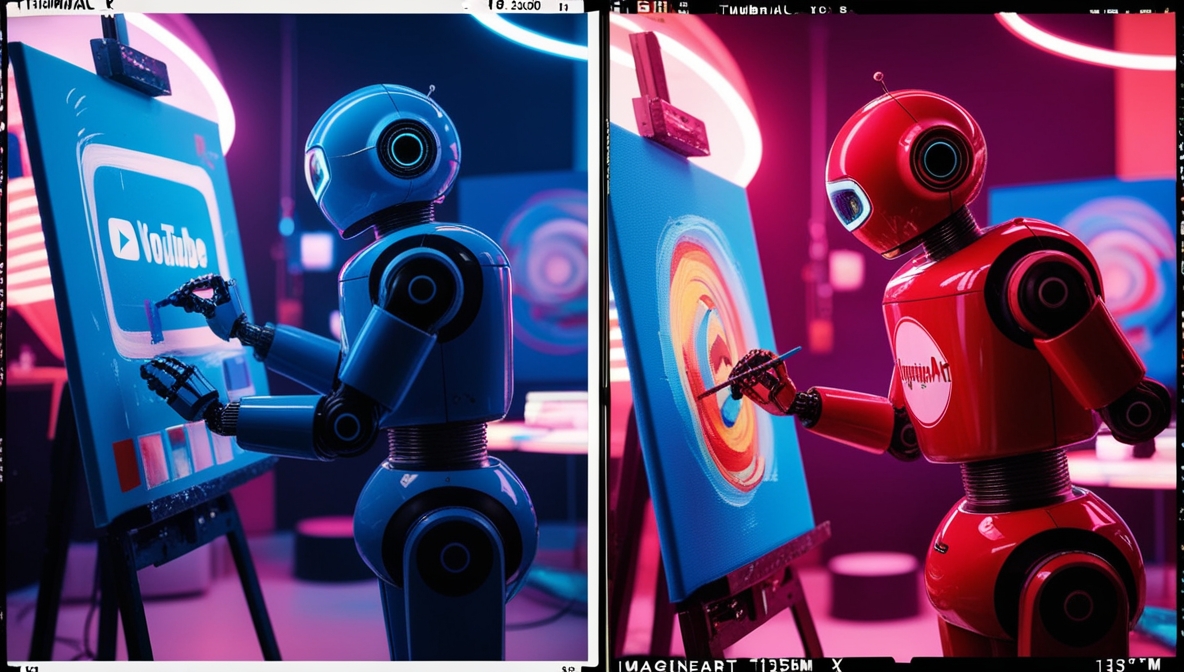
Image was generated via Thumbnail X
Introduction
In the vibrant world of YouTube, first impressions are everything! That's where a compelling thumbnail comes in, acting as the face of your video and sparking viewers' interest. Today, we’re comparing two popular AI thumbnail generator tools: Thumbnail X and ImagineArt. Let’s dive in and see which tool might just be the perfect fit for you!
Feature Comparison
Thumbnail X
Thumbnail X prides itself on simplicity and speed. With its AI-powered thumbnail generation, you can create stunning thumbnails in under 10 seconds. No need to fiddle with complex settings—just type a simple prompt, and let the magic happen. It offers four thumbnail options per prompt, ensuring you have choices at your fingertips. 🎨✨
ImagineArt
ImagineArt also offers AI-driven thumbnail creation, with the added benefit of instant previews and customizable design options. This can be a boon if you love tweaking designs to your heart’s content. ImagineArt aims to produce scroll-stopping designs that boost your video’s viewership.
Pricing Comparison
Pricing can be a major deciding factor for many users. Let’s see how these platforms stack up.
- Thumbnail X: Known for its very affordable pricing, it ensures that quality thumbnail creation doesn't break the bank. This makes it a great option for creators on a budget who still want to stand out.
- ImagineArt: The trump card here is that it’s free. For creators who are just starting out or those who want to try their hand at thumbnail creation without any commitment, this is a significant advantage.
Ease of Use
When it comes to ease of use, both platforms have their strengths, but there are some differences worth noting:
- Thumbnail X: With its simple prompt-based interface, you can start creating thumbnails in seconds. Additionally, the one-click Google authentication means no surveys or complex signups. It’s like a smooth sail in a sea of complicated registrations! ⛵
- ImagineArt: While it offers more customization options, this might be overwhelming for those who prefer a straightforward approach. However, for customization enthusiasts, it provides a playground of possibilities.
Target Audience
Understanding the target audience is crucial for selecting the right tool. Here's how the two platforms cater to different needs:
- Thumbnail X: Perfect for creators who prioritize speed and simplicity over customization. If you want to spend less time on thumbnails and more on content creation, this is your go-to thumbnail creation tool.
- ImagineArt: Specifically targets YouTube content creators aiming to enhance video engagement with high-converting thumbnails. If you have the time to experiment with designs, ImagineArt delivers.
Pros and Cons
Thumbnail X
- Pros: Fast, easy to use, affordable, no complex signups.
- Cons: Limited customization options, which might be a drawback for advanced users.
ImagineArt
- Pros: Free, customizable design options, instant previews.
- Cons: More complex interface could be daunting for beginners.
Conclusion
Both Thumbnail X and ImagineArt offer robust solutions for creating captivating thumbnails. If you're looking for speed, simplicity, and affordability, Thumbnail X emerges as a fantastic choice. Its ease of use is unmatched, making it a perfect tool for those who want results without the hassle. On the other hand, if you relish customization and don't mind investing some time in design, ImagineArt offers a versatile and free platform. Ultimately, the choice boils down to your specific needs and preferences. Happy thumbnail creating! 🚀
See more at ImagineArt
See more at Thumbnail X
Post was partially created by AI. While we try our best to authenticate the information before publishing, we may make mistakes. Please check the facts and verify the information.